

Overview
E-Sports Manager provides a comprehensive team management system that allows you to create, manage, and organize your teams. There are two ways to see your teams:- List View
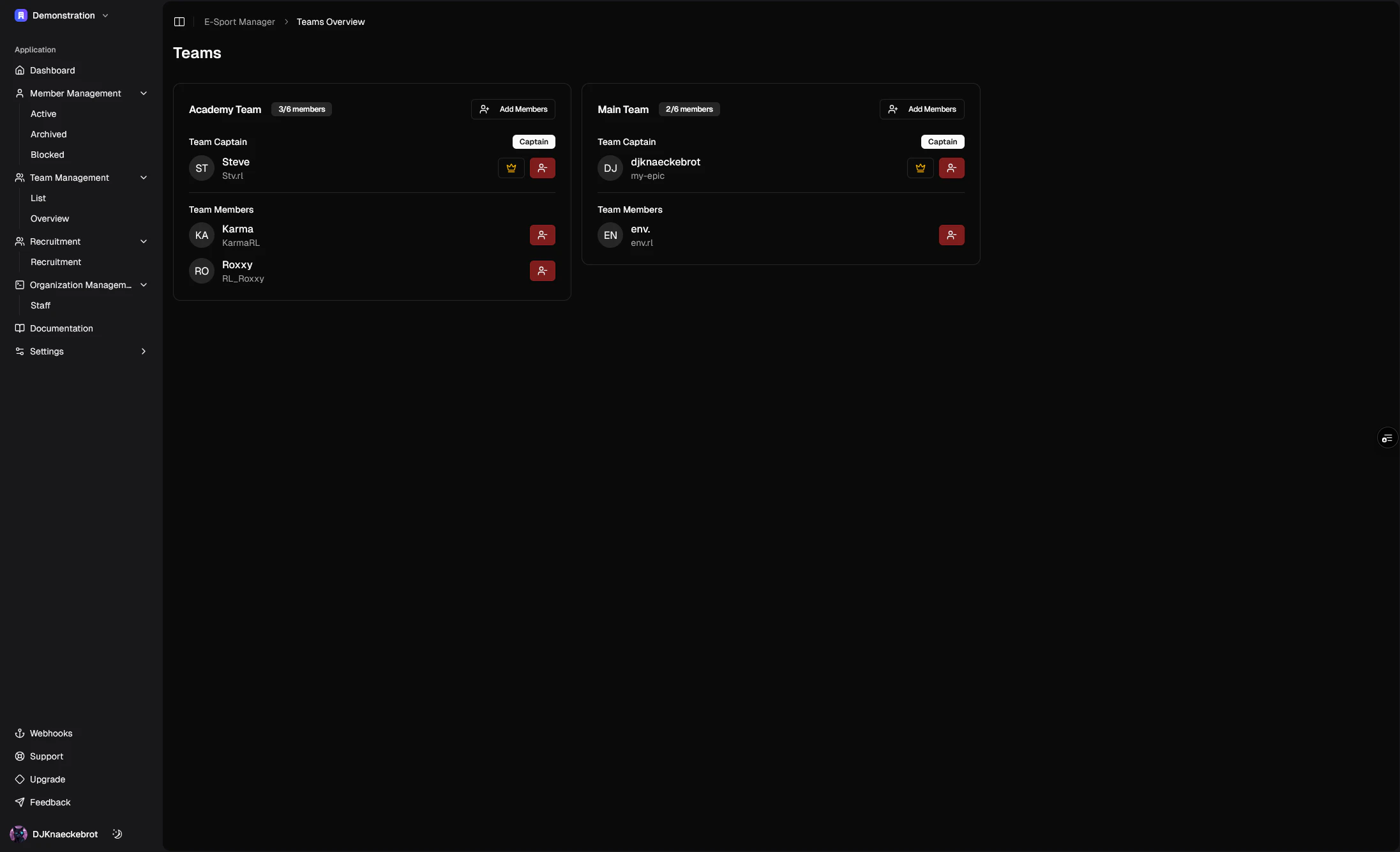
- Grid View
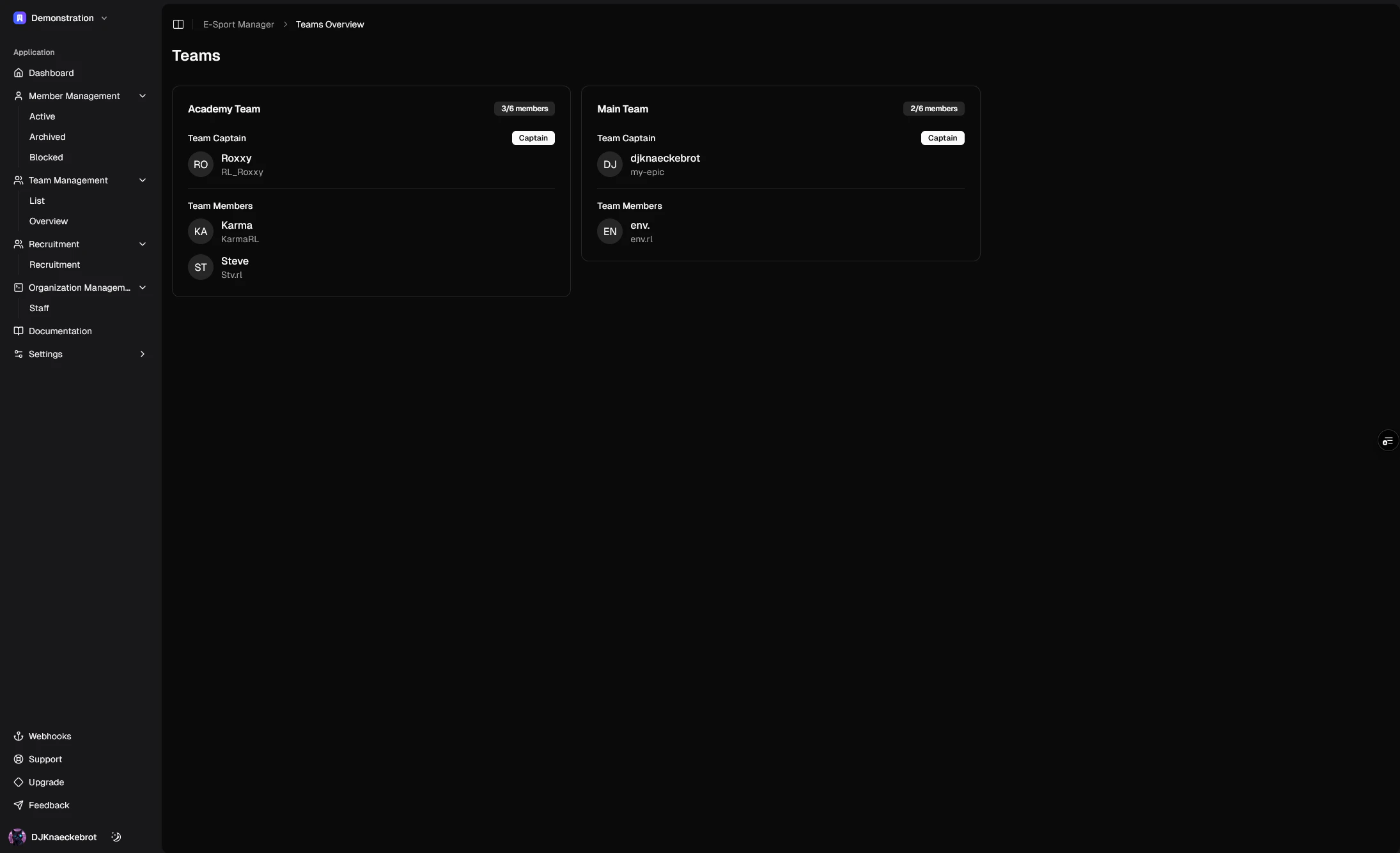
Key Features
The team management module offers powerful tools to efficiently manage your organization’s teams:Team Organization
- Organize teams into different categories and divisions
- Track team status and history
- Manage team roles and permissions
- View comprehensive team profiles
Team Profiles
- Store essential team information (name, division, category) and more with custom fields
- Track team members and roles (team captain)
- Monitor team status
- Add custom comments and notes
- View detailed team history
Team Actions
- Add new teams with detailed profiles
- Edit existing team information
- Archive inactive teams
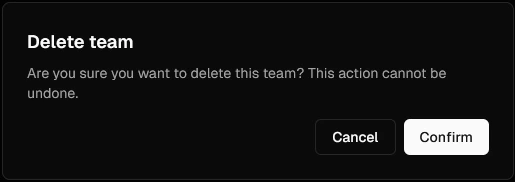
- Delete teams when necessary
- Manage team members and roles
Member Integration
- Track team members
- Monitor team captain status
- View member affiliations
- Manage team roster changes
- Track member participation
Status Management
- Monitor team activity status
- Track team history
- Manage team transitions between statuses
- Maintain audit trail of team changes
Add a Team
To add a team, you can follow the steps below:
Edit a Team
To edit a team, you can follow the steps below:
Delete a Team
To delete a team, you can follow the steps below: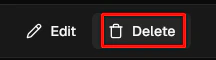
Manage Team Members
Add a Member to a Team
To add a member to a team, you can follow the steps below: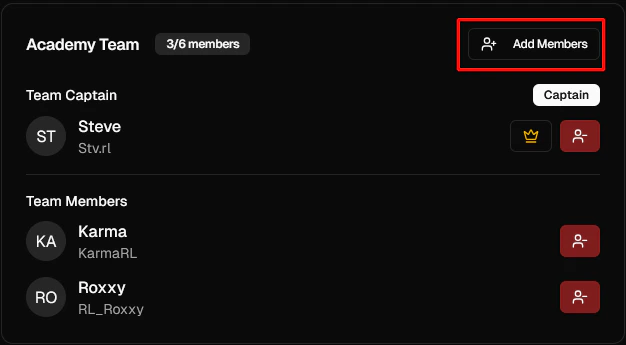
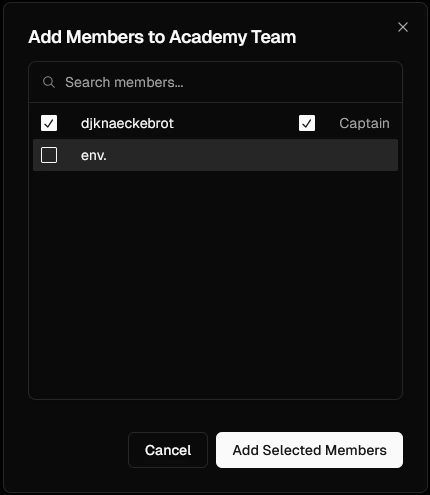
Remove a Member from a Team
To remove a member from a team, you can follow the steps below: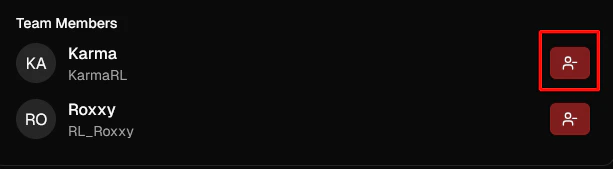
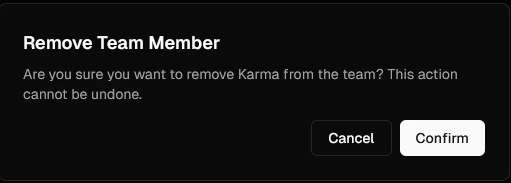
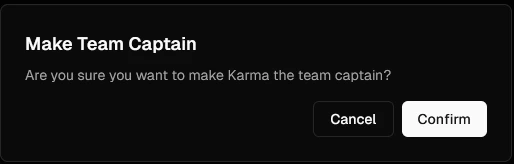
Set a Team Captain
To set a team captain, you can follow the steps below: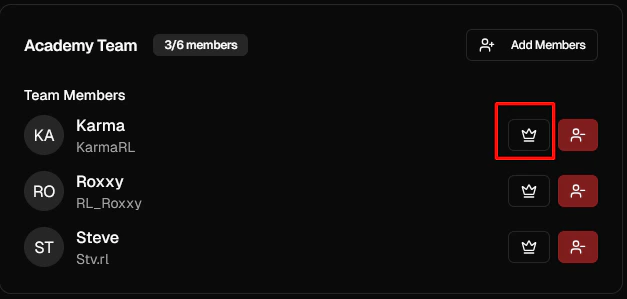
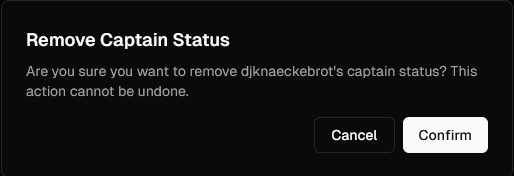
Remove a Team Captain
To remove a team captain, you can follow the steps below:
Attributes
Teams
Teams have the following attributes: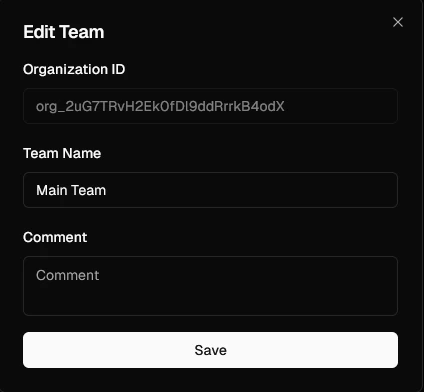
The name of the team.
Additional comments or notes about the team.
Custom fields specific to the team.