

Create your account
Learn how to create your account and get started with the platform.Sign up
Sign up for an account by clicking the “Dashboard” button in the top right corner of the page.Create your Organization
Once you have signed up, you will be redirected to the dashboard. Here you can create your Organization by clicking the “Create Organization” button.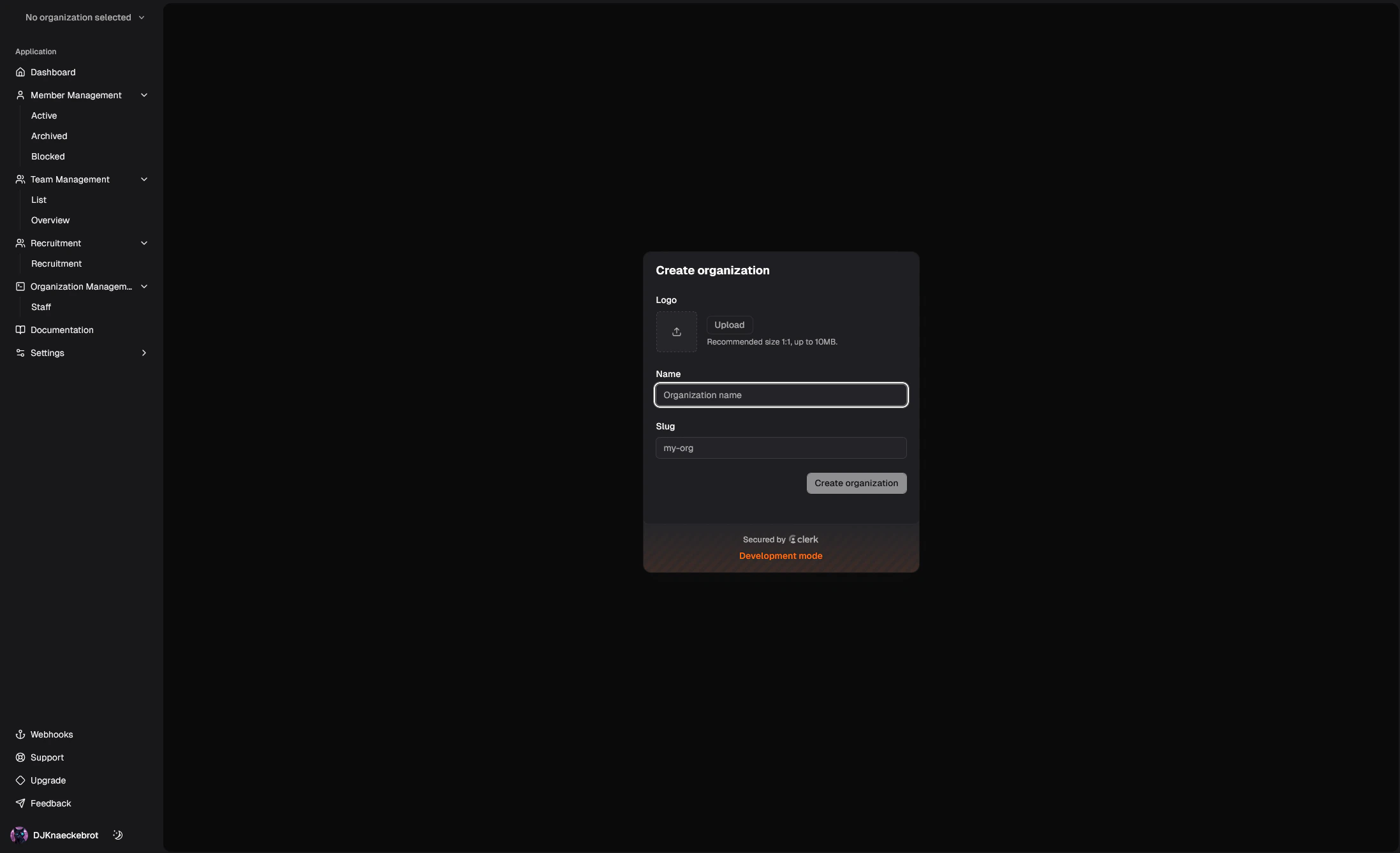
Invite your team
Once you have created your Organization, you can invite your team going to Settings -> Teams -> Members.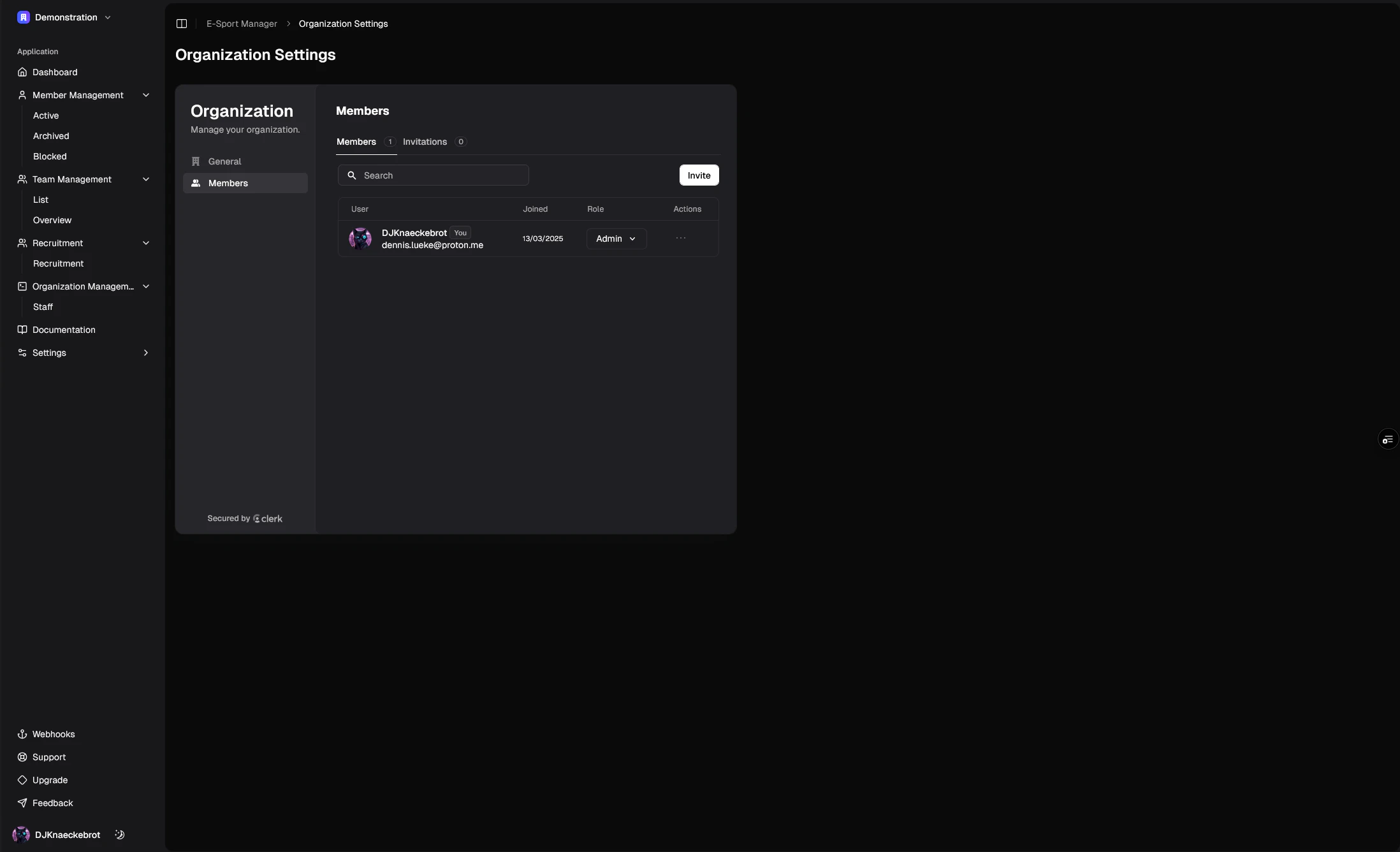
Start using the platform
Add users, teams, and more to your Organization.Create a Team
Create your teams
Create Members
Create your members
Make it yours
Make it yours with custom fields
Add your Organizations Staff
Add your Organizations Staff